Best focus music and background noise apps for Mac (2026)
Best focus music apps for Mac in 2026: Endel, Brain.fm, Noisli, focus.music, Spotify and Apple's Background Sounds, with prices and what each one does.
Quick answer
The best focus music app for Mac depends on the sound you want: Apple's Background Sounds is free and already on your Mac, Noisli mixes rain, wind and similar sounds, Endel and Brain.fm are paid apps built for focus, and Spotify suits your own playlists. None of them stops you opening a distracting site, so pair one with a blocker such as Nudge, which blocks the apps and websites you pick during a focus session. Nudge does not play music.
How do these apps compare?
Choose a focus music or background noise app for a Mac, and pair it with a blocker so the sound is not competing with notifications and distracting sites.
| App | Best for | Price | Website |
|---|---|---|---|
 NudgeTop pick NudgeTop pick | Blocking distractions while the music plays | $9.99 once | Get Nudge |
| Apple Background Sounds | A free built-in ambient sound | ||
 Endel Endel | Adaptive focus soundscapes | See pricing | Visit |
 Brain.fm Brain.fm | Music made for focus modes | $14.99/mo or $99.99/yr | Visit |
 Noisli Noisli | Mixing ambient sounds | Free, Pro $10/mo billed yearly | Visit |
| focus.music | Music channels for timed work sessions | ||
 Spotify Spotify | Your own focus playlists | Free, Premium $12.99/mo | Visit |
Which tool should you pick?
Best blocker to pair with music
Nudge
Blocks the apps and websites you pick during a session. It does not play music. $9.99 once.
Free and built in
Apple Background Sounds
Ocean waves, rain and other sounds from System Settings, Accessibility, Audio. No app.
Best sound mixer
Noisli
Web-based ambient sound mixer with a free plan of 16 sounds.
Best adaptive soundscapes
Endel
Sounds that adapt to inputs such as time of day. Has a Mac app. Paid.
Best with your own playlists
Spotify
Focus playlists from a huge catalog. Free with ads, or Premium.
The apps in detail
- $9.99 once
1. App and website blocking
Nudge
Best for: Blocking distractions while the music plays
- Choose it if
- Your sound is set, but apps and websites keep pulling you away. $9.99 once for Lifetime Access.
- Skip it if
- You want an app that plays music. Nudge does not.
2. Ambient sound
Apple Background Sounds
Best for: A free built-in ambient sound
- Choose it if
- You want rain or ocean sounds with no extra app.
- Skip it if
- You want music, a timer-linked mix or adaptive sound.
3. Generated sound
Endel
Best for: Adaptive focus soundscapes
- Choose it if
- You want sounds that adapt, and a Mac app.
- Skip it if
- You want sound for free. Endel is a paid subscription.
- $14.99/mo or $99.99/yr
4. Focus music
Brain.fm
Best for: Music made for focus modes
- Choose it if
- You want music organized by activity such as Deep Work and Learning.
- Skip it if
- You want a lower price. Plans start at $14.99 a month.
- Free, Pro $10/mo billed yearly
5. Ambient sound
Noisli
Best for: Mixing ambient sounds
- Choose it if
- You want to blend rain, wind and similar sounds yourself.
- Skip it if
- You want a native Mac app. Noisli lists web, a Chrome extension and mobile apps.
6. Focus music
focus.music
Best for: Music channels for timed work sessions
- Choose it if
- You want a music channel picked for a timed session in the browser. Focus@Will has moved here.
- Skip it if
- You want ambient sound rather than music.
- Free, Premium $12.99/mo
7. Music streaming
Spotify
Best for: Your own focus playlists
- Choose it if
- You already use Spotify and want focus playlists.
- Skip it if
- You want ads gone: that needs Premium.
What is the best focus music app for Mac?
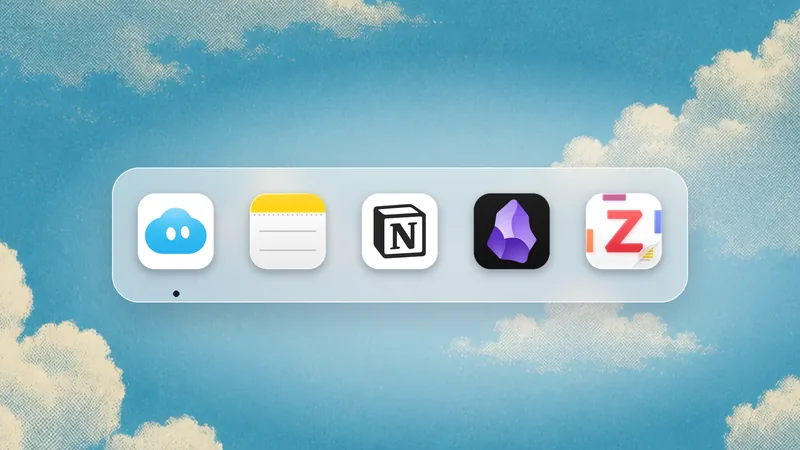
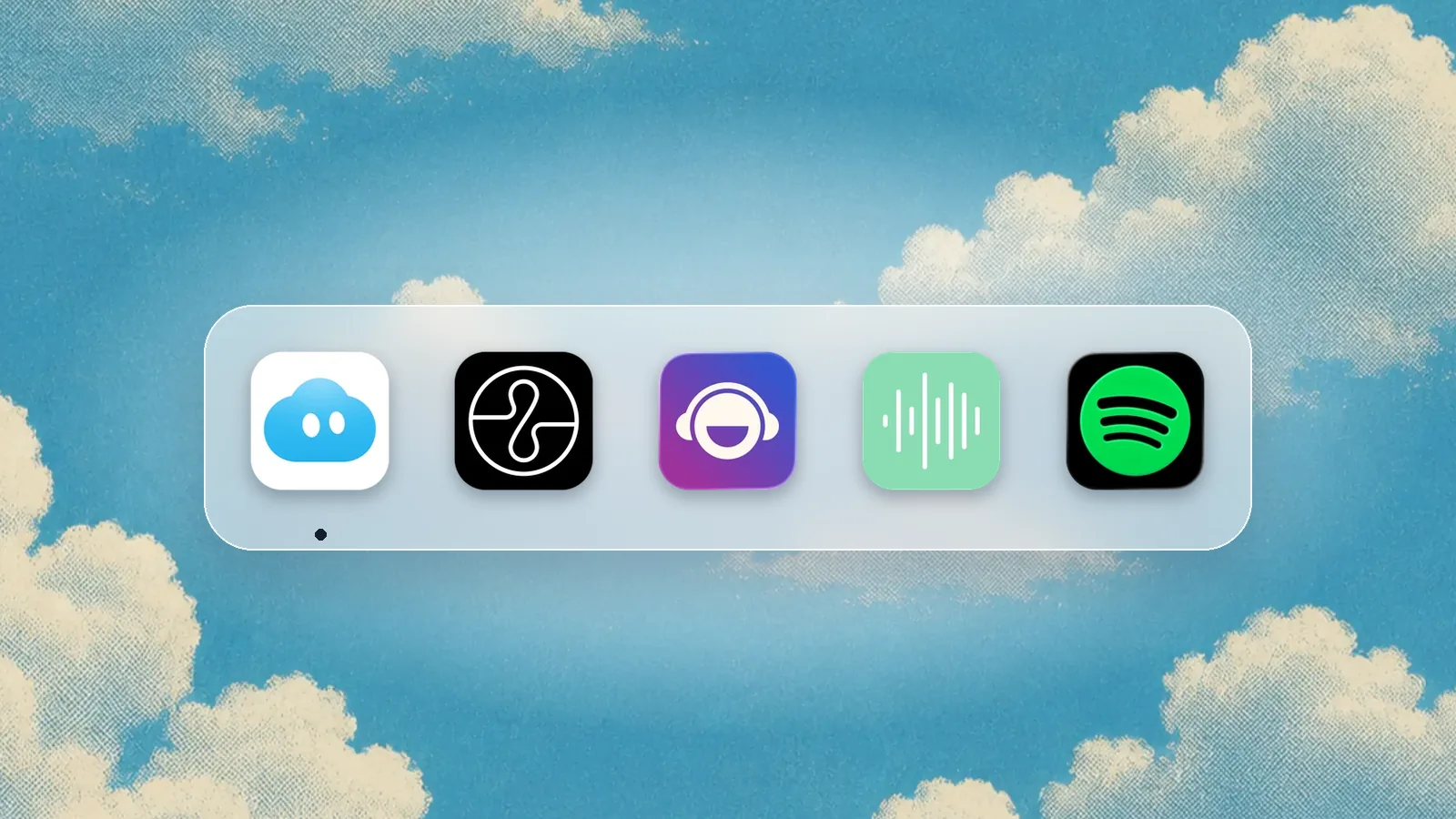
There is no single winner, because the apps do different jobs. Apple's Background Sounds and Noisli play ambient sound. Endel generates adaptive soundscapes. Brain.fm and focus.music (formerly Focus@Will) serve music built for working. Spotify gives you a catalog to build your own playlists from.
A sound app on its own will not protect your attention. It masks a noisy room; it does not close Slack or stop you opening a feed. That is why the first tool in this list is a blocker.
How do the best focus music apps for Mac compare?
Facts below come from each vendor's own site or Apple's guide and were checked on 10 October 2026.
| App | What it plays | Mac availability | Price |
|---|---|---|---|
| Apple Background Sounds | Ambient sounds such as ocean waves and rain | Built into macOS | Free |
| Noisli | Ambient sound mixer, playlists, timer and text editor | Web, Chrome extension, iOS and Android. No Mac app listed. | Free plan with 16 sounds and 1.5 hours of streaming a day. Pro $10 a month, billed yearly. |
| Endel | Adaptive soundscapes for focus, relaxation and sleep | Mac app, plus web, iOS, Android and Windows | Paid subscription, with prices listed in the App Store. |
| Brain.fm | Focus, sleep, relaxation and meditation music | Desktop app for macOS 12 or later, plus web, iOS and Android | $14.99 a month or $99.99 a year, with a free trial. |
| focus.music (formerly Focus@Will) | Music channels for timed work sessions | Web app in the browser | 7-day free trial; see the vendor's site for the price. |
| Spotify | Music, podcasts and playlists | Mac desktop app and web player | Free with ads. Premium Individual $12.99 a month, one month free for new users. |
Why pair a music app with a blocker?
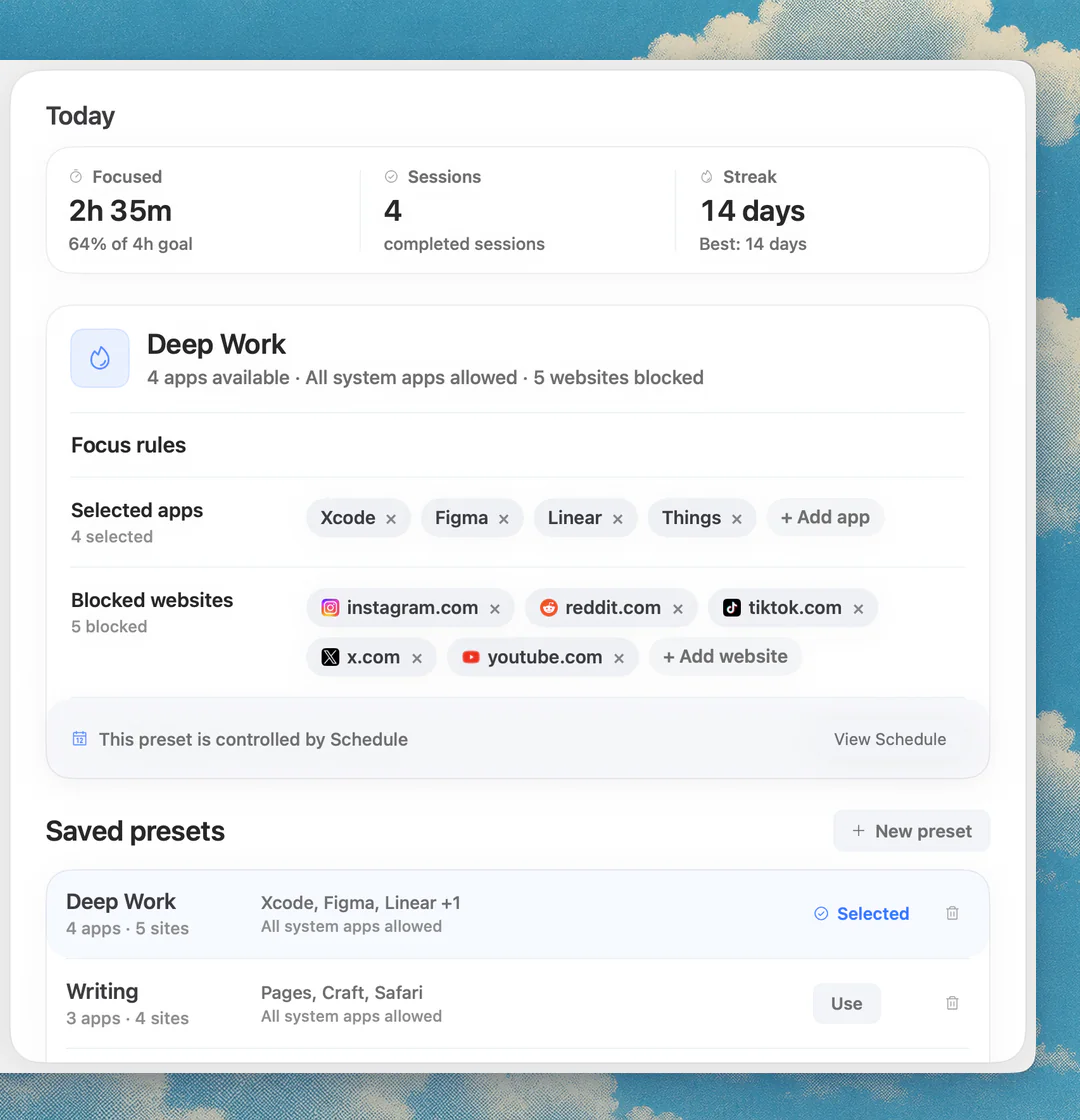
Music handles one kind of distraction: noise. The other kind is a click away, in an app or a tab. Nudge is a Mac app for that part. You pick the apps and websites that distract you, save them as a preset such as Deep Work, and start a session from the menu bar. Websites are blocked in Safari and Chrome, and everything is reachable again when the session ends.
Nudge does not play music, so it works alongside any app below. It costs $9.99 once for Lifetime Access, with no subscription, and every Mac gets a 7-day free trial with every feature, no email, password or card.
If you are not sure what to block, read how to block apps on a Mac and how to block websites on a Mac.
Does Nudge have focus sounds? What about the web timer?
The Nudge Mac app does not play music. The free web Pomodoro timer does have ambient sounds: rain, river, forest, waterfall and wind. Ambient sound is off by default and loads only when you choose it. It runs in the browser with no sign-up, so you can use it beside any blocker.
That makes it a quick option if you want a timer and a rain sound on one page. If you want a bigger library or music, use one of the apps below.
How do you use Apple's built-in Background Sounds on a Mac?
Background Sounds lets your Mac play ambient audio such as ocean waves or rain. It is free and built in. Apple's guide for macOS 27 gives the path below, and AbilityNet's guides for macOS 15 Sequoia and Tahoe show the same Accessibility, Audio route.
Some sounds need a download first: click the download button next to a sound to get a high-quality version. There is also a timer and a setting to turn the sound off when the Mac sleeps, the screen saver starts or the screen locks.
Open System Settings and click Accessibility in the sidebar.
Click Audio. You may need to scroll down.
Find Background Sounds and turn on Background sounds.
Click Choose to pick a sound and drag the Volume slider.
Optional: add the Hearing control to the menu bar under System Settings, Menu Bar, Add Controls, so you can start and stop the sound from the menu bar.
What are Endel, Brain.fm, Noisli and focus.music?
Endel makes personalized soundscapes for focus, relaxation and sleep. Its site says the sounds adapt in real time to inputs such as time of day, weather and heart rate, and lists a Mac app alongside iOS, Android, Windows and web. It is a paid subscription, with prices listed in the App Store, and the Mac app needs macOS 12 or later.
Brain.fm is a music app with Focus, Sleep, Relaxation and Meditation modes, with activity options such as Deep Work and Learning. Its pricing page lists $14.99 a month or $99.99 a year, with a free trial. It has a macOS desktop app for macOS 12 or later.
Noisli is a mixer for ambient sounds such as rain, ocean, birds, thunder and white, pink and brown noise. The free plan has 16 sounds and 1.5 hours of streaming a day; Pro is $10 a month billed yearly and adds sounds, unlimited streaming and more playlists. It runs on the web, in a Chrome extension and on iOS and Android.
Focus@Will is now focus.music, and existing subscribers sign in with the same email. In the browser you name a session, pick 25 or 50 minutes or a custom length, and it suggests a music channel. It starts with a 7-day free trial.
Is Spotify good for focus music on a Mac?
Spotify is a good fit if you already use it and want your own playlists. It has a Mac desktop app and a web player. The free tier is supported by ads, which cut into focus time. Premium Individual is $12.99 a month on Spotify's page, with a month free for people who have not tried Premium before.
Search the app for terms like 'deep focus', 'lo-fi beats' or 'instrumental' to find playlists, and keep the volume low enough that lyrics do not compete with the words you are writing.
What is the best setup for a focused work session?
Pick one sound source and one blocker. A simple setup: turn on Apple's Background Sounds or open your playlist, start a Nudge preset from the menu bar, and work in timed rounds with the free web Pomodoro timer. For different rhythms, see the 52/17 rule.
If you are studying, best study apps for Mac lists more tools. If the real problem is starting, read how to stop procrastinating on a Mac.
FAQ
What is the best focus music app for Mac?
It depends on the job. Apple's Background Sounds is free and built in, Noisli mixes ambient sounds, Endel makes adaptive soundscapes, Brain.fm offers music by activity, and Spotify suits your own playlists. Pair any of them with a blocker such as Nudge.
Does Mac have built-in background sounds?
Yes. Open System Settings, click Accessibility, click Audio, then turn on Background sounds under Background Sounds. Apple's guide gives ocean waves and rain as examples.
Does Nudge play music?
No. Nudge blocks the apps and websites you pick during a session. The free web Pomodoro timer on nudgefocus.app has ambient sounds: rain, river, forest, waterfall and wind.
Is there a free background noise app for Mac?
Yes. Apple's Background Sounds is built into macOS, Noisli has a free plan with 16 sounds, and the web Pomodoro timer on nudgefocus.app has five ambient sounds.
How much do Brain.fm and Noisli cost?
Brain.fm lists $14.99 a month or $99.99 a year. Noisli has a free plan, and Pro is $10 a month billed yearly. Prices were checked on 10 October 2026.
Is music or silence better for focus?
It depends on the person and the task. Try silence, ambient sound and instrumental music for a few sessions each and keep what works. A blocker helps whichever you choose.
Nudge for Mac
Turn the guide into a focus session
Pick the apps and websites that pull you away and start the session from the menu bar. They stay blocked until it ends. $9.99 once after 7 days free, no card to start.
Download for macOS